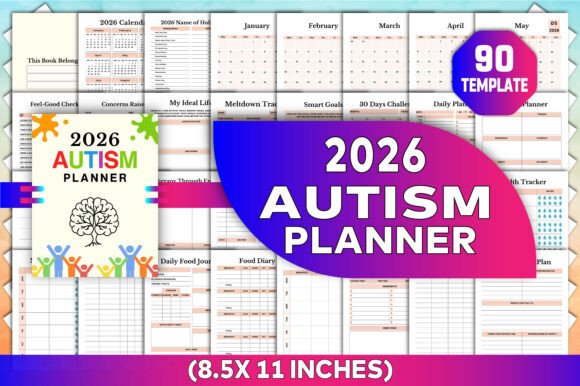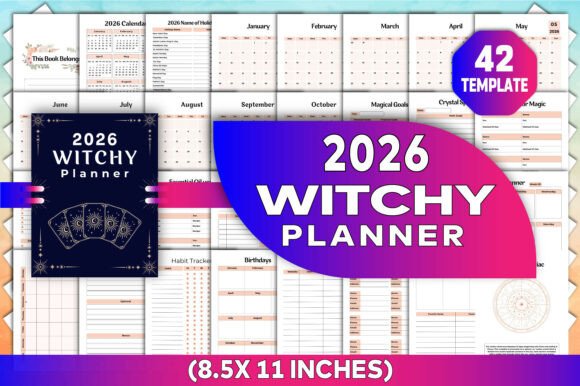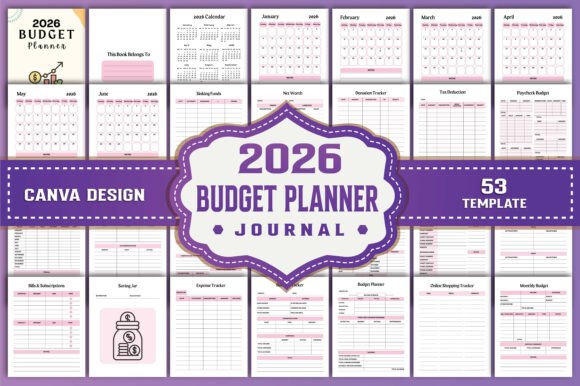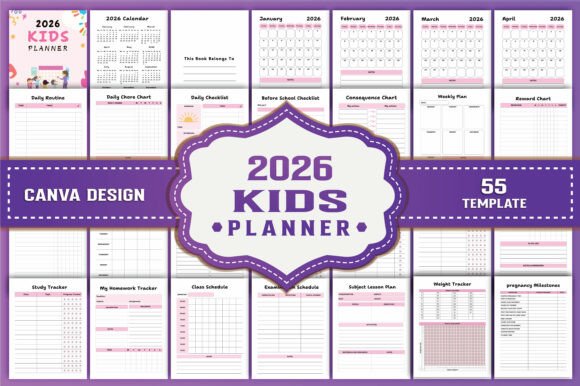
2026 Planner Canva KDP Interiors
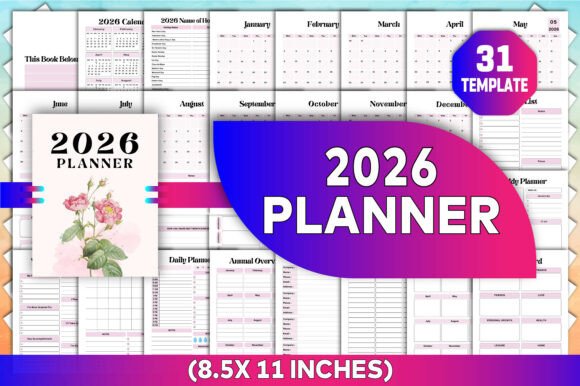
Planning for 2026 doesn’t have to mean starting from scratch—or wrestling with rigid, one-size-fits-all templates. The 2026 Planner Canva KDP Interiors is a thoughtfully structured, fully editable interior designed specifically for creators and professionals who need both flexibility and polish. Whether you’re publishing on Kindle Direct Publishing (KDP), building a personal productivity system, or designing a custom planner for clients, this resource delivers a print-ready foundation that adapts to your voice, brand, and workflow—not the other way around.
Why a Customizable Canva Interior Matters in Practice
Most planners fall into two categories: static PDFs you can’t change, or blank canvases that demand hours of design work. The 2026 Planner Canva KDP Interiors bridges that gap. You receive an editable Canva link—no design software required—plus high-resolution PDF, JPG, and PNG files at 300 DPI. That means you can tweak fonts, colors, layouts, and even page order *before* exporting for print or digital use. For a freelance graphic designer preparing a client’s custom planner, this cuts prepress time by 60% or more. For a small business owner launching a branded planner on Amazon KDP, it eliminates the need to hire a designer just to adjust margins or holiday dates.
The 8.5 x 11 inch size aligns precisely with KDP’s standard paperback interior requirements—no guesswork, no cropping surprises. And because every element is layered and labeled in Canva, swapping out a “Monthly Goals” section for a “Quarterly Focus” layout takes minutes, not days.
Real Planning Needs, Built In
This isn’t just a calendar with decorative borders. The 2026 Planner Canva KDP Interiors includes 31 purpose-built templates grounded in how people actually plan: an annual overview that fits on one page (not a sprawling two-page spread), weekly spreads with dedicated reflection prompts—not just checkboxes—and daily pages that balance structure with breathing room. The 2026 holiday names are pre-filled for the U.S. federal calendar, but they’re fully editable if you serve international audiences or observe different observances.
Consider a teacher mapping out the 2026–27 school year. They can use the “Monthly Review” pages to assess lesson effectiveness, pull the “Vision Board” template to co-create classroom goals with students, and repurpose the “Password Tracker” as a secure log for edtech accounts—renaming headers and adjusting columns in seconds. A blogger launching a wellness course might combine the “Yearly Planner” with the “To Do List” and “Notes” pages to draft content calendars, then export clean PDFs for student handouts.
Who Benefits Most—and Why
Professionals who juggle multiple roles often find generic planners too shallow or too rigid. The 2026 Planner Canva KDP Interiors suits those who need depth *and* agility: educators designing curriculum-aligned tools, solopreneurs managing client projects and personal growth in one system, or content creators building printable products for Etsy or Gumroad. Its strength lies in modularity—not every user needs all 31 pages, and that’s intentional. You can delete, duplicate, or reorder sections without breaking formatting.
Freelancers and agencies also benefit from consistency across client deliverables. Using the same underlying structure for three different client planners—each with unique branding, color palettes, and section priorities—ensures professional cohesion while saving hours per project. The included “Thank You” file isn’t just a gesture; it’s a ready-made, on-brand closing page you can drop into any client-facing planner.
Practical Considerations Before You Begin
While highly flexible, the 2026 Planner Canva KDP Interiors assumes basic familiarity with Canva’s interface—drag-and-drop editing, layer visibility toggles, and text box adjustments. If you’ve never used Canva before, set aside 20 minutes to explore the template before making major changes. Also note: while fonts are editable, some decorative typefaces may require Canva Pro for full access. Free-tier users can swap them easily with system-safe alternatives already embedded in the file.
This interior is optimized for *print-ready output*, not interactive digital use. Hyperlinks, form fields, or auto-calculating fields aren’t included—and wouldn’t function reliably across PDF readers or KDP’s printing pipeline. If your goal is a fillable digital planner, look for tools built specifically for that use case. But if your aim is a polished, tactile planner you can hold, annotate, or sell as a physical product, this delivers exactly what KDP requires—and what thoughtful planning demands.
More Than Pages: A Framework for Intentional Work
The inclusion of “Weekly Reflection” and “Monthly Review” pages reflects a deeper design principle: planning isn’t just about scheduling—it’s about learning from what worked and what didn’t. These aren’t afterthoughts. They’re placed strategically, with open-ended prompts (“What surprised me this month?” “Which task gave me disproportionate energy?”) that encourage insight over rote logging. A marketing consultant reviewing Q1 2026 campaigns can use the Monthly Review to spot patterns in client feedback, then adjust service offerings before Q2 begins.
Likewise, the “Contact List” and “Password Tracker” aren’t filler—they’re practical utilities that reduce cognitive load. Instead of hunting across apps or sticky notes, everything lives in one trusted, printable location. And because they’re part of the same editable file, you can add fields (e.g., “Last Contact Date” or “2FA Method”) or remove columns you don’t use—no wasted space, no clutter.
Getting Started Is Immediate—And Purposeful
When you download the 2026 Planner Canva KDP Interiors, you get more than files—you get context. The editable Canva link opens directly to a well-organized workspace with clear layer names and grouped elements. The PDF version is print-optimized: CMYK-ready, bleed-free, and with proper margins for KDP’s 8.5 x 11 trim. JPG and PNG exports let you preview single pages for social media teasers or client mockups—without exposing your full layout.
You don’t need to be a designer to make it yours. Change the header font to match your brand guidelines. Adjust the color of the “Vision Board” background to align with your coaching program’s palette. Replace the default “This Book Belongs To” line with “Planner of [Your Business Name]”—then export and upload straight to KDP. It’s not about perfection on day one. It’s about having a reliable, adaptable foundation that grows with your goals—not against them.